
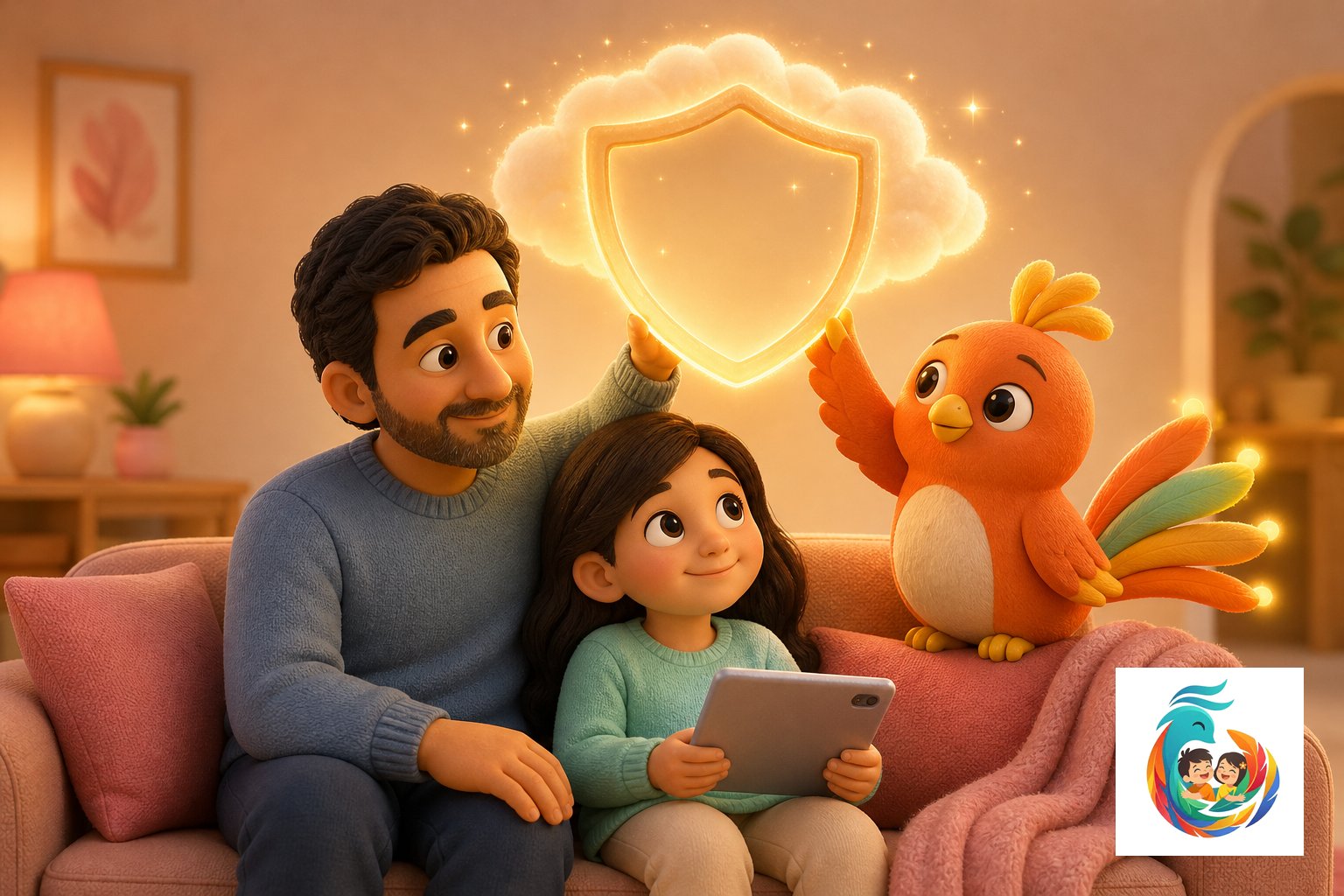
Parental Controls and Child Activity Reports in Simorgh Kids
Keep your child safe and informed online, every step of the way.
Custom Parental Controls
Set boundaries for content and screen time with ease.
Activity Reports
See what your child explores and learns each day.
Safe Search Engine
Children browse securely, always with age-appropriate results.
Understanding Parental Controls and Child Activity Reports in Simorgh Kids
Parental Controls and Child Activity Reports in Simorgh Kids offer a powerful framework to help families navigate technology in a way that’s both safe and empowering for children. As more parents look for trusted, age-appropriate digital experiences, understanding online safety for children becomes crucial. Simorgh Kids integrates comprehensive parental controls and detailed child activity reports right into the heart of its AI for kids platform, letting parents stay involved and informed without ever becoming intrusive. With Parental Controls and Child Activity Reports in Simorgh Kids, parents gain control over what their children see, hear, and interact with. From filtering web content to setting daily screen time limits, Simorgh Kids ensures that digital adventures remain age-appropriate. The ability to customize settings means each family can find the right fit for their unique situation—whether you want to restrict certain websites, schedule app usage, or approve specific educational resources. These options support learning for kids by creating a positive, focused environment tailored to each child’s needs. Equally important, child activity reports give parents a transparent window into their child’s digital habits. These easy-to-read reports show which stories kids have listened to, their learning progress, and search histories—all in a secure, private space accessible only to caregivers. This means parents can identify interests, encourage healthy curiosity, or step in to guide if needed. Rather than policing every move, these features foster trust, confidence, and the right amount of independence for young digital explorers. Simorgh Kids’ AI for kids approach blends playful learning with online safety for children and gives parents the peace of mind to let their kids grow. Friendly reminders, bedtime notifications, and clear summaries—all part of the Parental Controls and Child Activity Reports in Simorgh Kids—help families make screen time enriching and balanced. Parents stay in the loop while kids enjoy their stories and learning safely, protected every step of the way. Choosing Simorgh means supporting your child’s curiosity in a digital world that’s designed with both care and intelligence for every family.
No tool can replace parental guidance and conversation. If you’re concerned about your child’s well-being, consult a child psychologist.
Frequently Asked Questions
How do I set up Parental Controls in Simorgh Kids?
You can easily access Parental Controls in your parent dashboard. Follow the guided steps to create filters, set screen time, and approve activities tailored for your child.
What information appears in Child Activity Reports?
Reports show search history, stories listened to, learning progress, and time spent on different activities, so parents always have a full picture of their child’s digital journey.
Can I adjust controls for different children?
Yes, Simorgh Kids allows individual profiles for each child. You can customize settings and reports to match each child’s age and needs.
Is my child’s data safe in Simorgh Kids?
Absolutely. Only parents and trusted adults with access to your account can view activity details. All personal data is securely encrypted and never shared with third parties.
How often are Child Activity Reports updated?
Reports are updated in real time, so you can check your child’s activity whenever you want, ensuring ongoing oversight.
Can my child see or change the parental settings?
No, only the parent account can access or change Parental Controls and Child Activity Reports in Simorgh Kids, keeping settings secure.